




Tips for Creating a Productive Home Office Environment
Creating a productive home office environment is essential for anyone working remotely or running a business from home. A well-designed workspace can significantly improve your focus, efficiency, and overall work satisfaction. If you’re looking for ways to enhance your home office, this guide offers practical tips to create a space that helps you perform at your best.
Choose the Right Location
Find a Dedicated Space
Select a quiet, dedicated area in your home for your office. Avoid places with heavy foot traffic or frequent distractions. Having a specific spot for work helps your brain associate that space with productivity.
Consider Natural Light
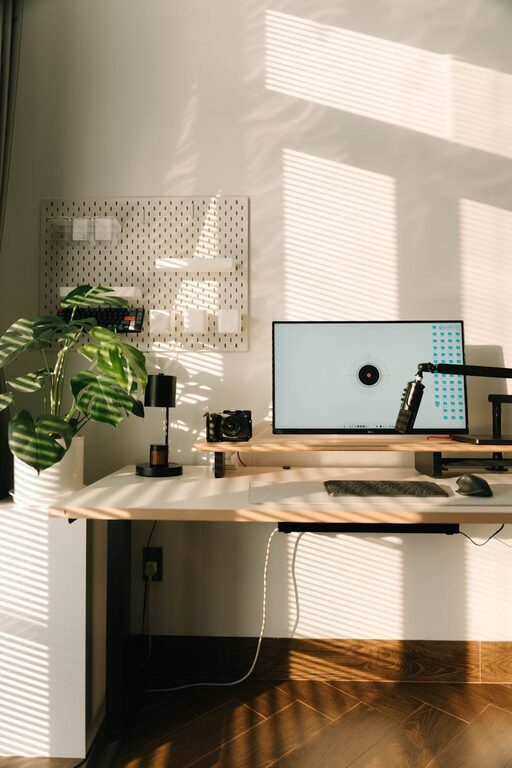
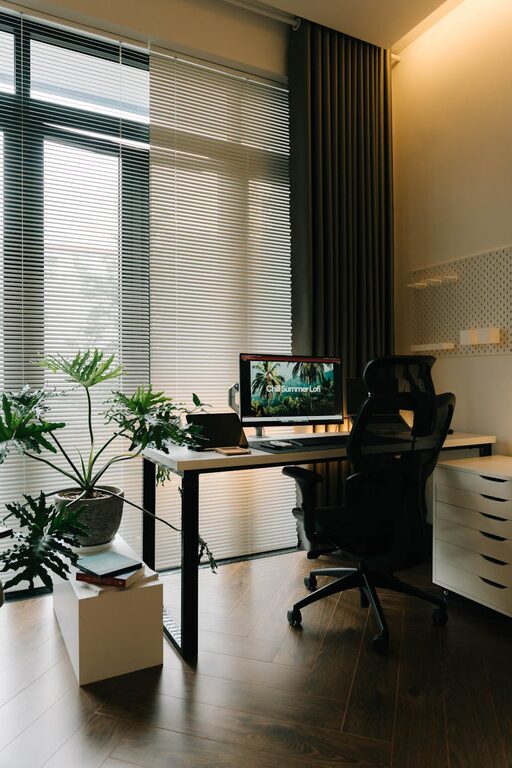
Natural light can boost your mood and reduce eye strain. Try to position your desk near a window to take advantage of daylight. If natural light is limited, invest in good-quality lighting that mimics daylight.
Invest in Ergonomic Furniture
Select a Comfortable Chair
A supportive, adjustable office chair is crucial. It helps maintain good posture and reduces the risk of back pain. Look for chairs with lumbar support, adjustable height, and comfortable cushioning.
Choose the Right Desk
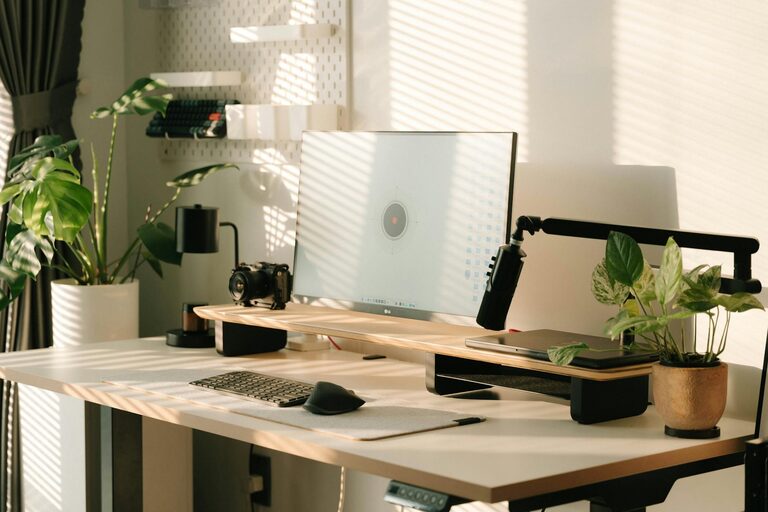
Your desk should offer enough space for your computer, documents, and any other tools you need. Adjustable desks that allow you to switch between sitting and standing can be beneficial for your health.
Organize Your Workspace
Declutter Regularly
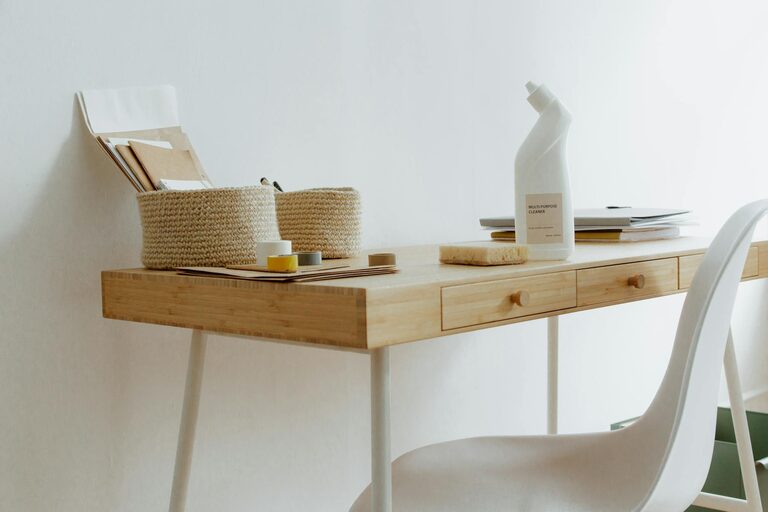
Keep your desk tidy by removing unnecessary items. A clutter-free workspace can reduce stress and make it easier to focus on tasks.
Use Storage Solutions
Use shelves, drawers, and organizers to keep supplies in order. Label containers and file important documents systematically to save time searching for what you need.
Minimize Distractions
Set Boundaries
Communicate your work hours to family or housemates. Use signs or signals to let others know when you shouldn’t be disturbed.
Manage Digital Distractions
Turn off non-essential notifications on your computer and phone. Consider using apps that block distracting websites during work hours.
Optimize Technology and Tools
Reliable Internet Connection
Ensure your internet speed and connection are stable to avoid interruptions during meetings or downloads.
Use Quality Equipment
Invest in a good computer, headset, and webcam if you frequently participate in video calls. These can improve communication and reduce frustration.
Create a Comfortable Atmosphere
Personalize Your Space
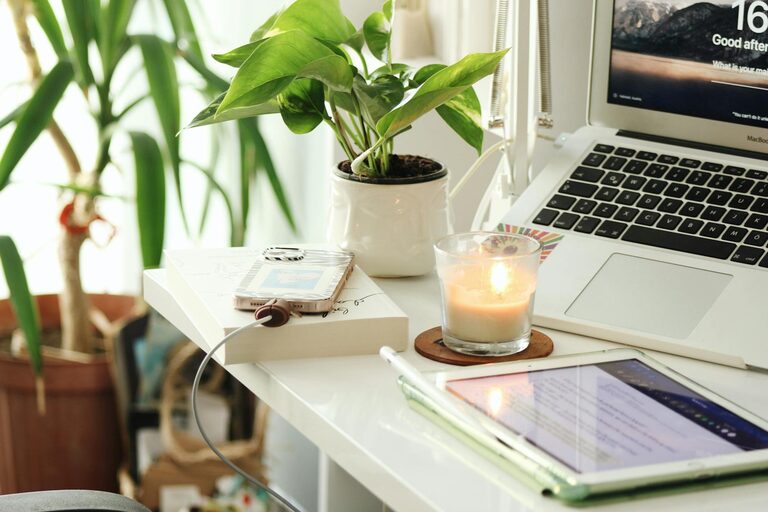
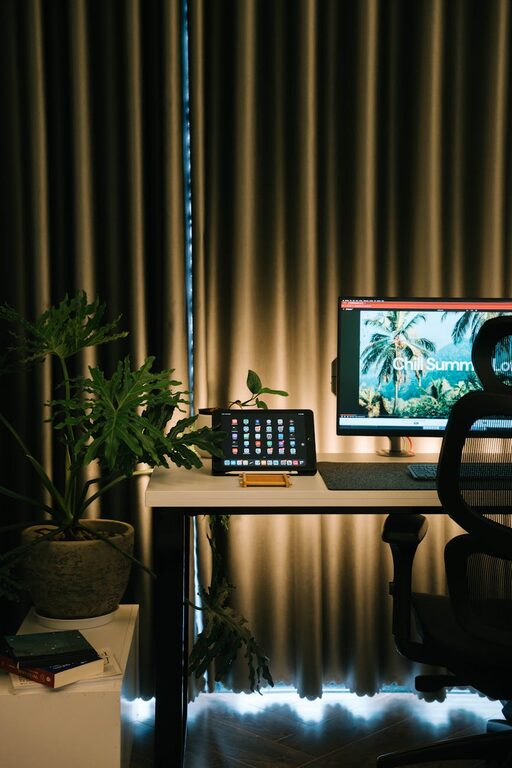
Add a few personal touches like plants, artwork, or photos. These can make your workspace feel pleasant without causing distractions.
Control Temperature and Air Quality
Make sure your office is well-ventilated and at a comfortable temperature. Fresh air and comfortable climate conditions help maintain concentration.
Establish a Routine
Set Regular Hours
Having consistent work hours helps you stay disciplined and separates work life from personal life.
Take Breaks
Schedule short breaks to rest your eyes, stretch, and move around. This can help maintain energy and prevent burnout.
Incorporate Healthy Habits
Stay Hydrated and Snack Wisely
Keep water nearby and choose healthy snacks. Proper nutrition supports focus and energy throughout the day.
Practice Good Posture
Be mindful of your sitting posture. Use reminders or apps if needed to keep your body aligned and reduce strain.
—
By thoughtfully setting up your home office environment using these tips, you can create a space where productivity flourishes. Remember, the key is to find what works best for you and adapt your workspace over time for maximum comfort and efficiency.