



Simple Tips for Organizing Your Home Office to Boost Productivity
Creating a dedicated, organized home office can transform the way you work from home. A tidy, well-arranged workspace can help reduce distractions, save time, and keep your mind focused on the tasks at hand. If your home office feels cluttered or disorganized, don’t worry—there are simple strategies you can use to improve the space step by step.
In this post, you’ll find practical tips to organize your home office efficiently, boosting your productivity without needing to invest in expensive equipment or complicated setups.
Why Organizing Your Home Office Matters
Before diving into tips, it’s important to understand why organization plays a key role in productivity:
– Reduces distractions: Clutter can interrupt your focus and make it difficult to find important items.
– Saves time: Knowing where everything is helps you avoid wasting time searching for documents or supplies.
– Improves comfort: A clean, orderly space feels more inviting and less stressful.
– Enhances creativity: A clear environment supports clearer thinking and better problem-solving.
Now, let’s look at how to organize your home office effectively.
Start by Decluttering
Sort Through Your Paperwork and Supplies
Begin by clearing your workspace completely. Sort everything into categories such as:
– Important documents (bills, contracts, tax papers)
– Work-related resources (notes, project files)
– Office supplies (pens, notebooks, chargers)
– Personal items or unrelated clutter
Only keep what you need regularly. Recycle or shred outdated papers, and store rarely used items elsewhere.
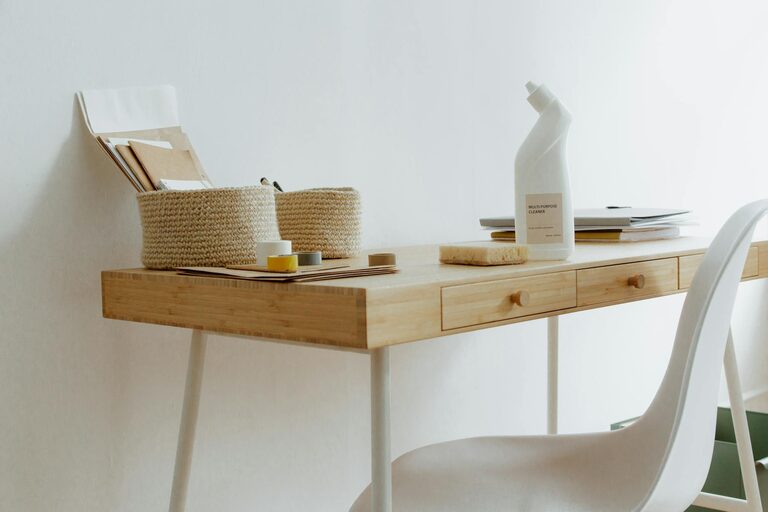
Limit What’s on Your Desk
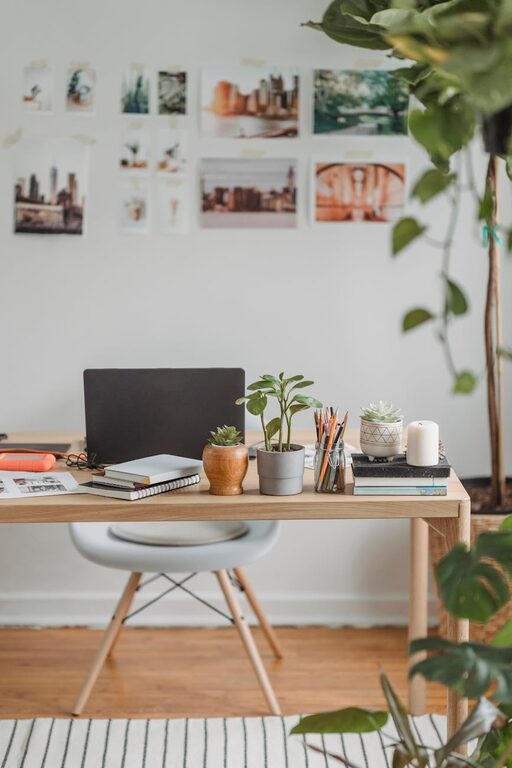
Your desk should only hold essentials. This might include:
– Computer or laptop
– A notebook or planner
– A pen holder with a few writing tools
– A small lamp if you need extra lighting
Avoid piling up unrelated papers or gadgets that aren’t necessary for your daily tasks.
Create Efficient Storage Solutions
Use Drawers and Shelves Wisely
Drawers and shelves are perfect for keeping things organized and out of sight:
– Label drawers and folders: Clear labels help you quickly locate files or supplies.
– Use drawer organizers: Compartments for small items like paper clips, sticky notes, and cables prevent tangles and mess.
– Store vertical: Use file holders or magazine racks vertically to save desk space.
Invest in Multi-purpose Storage
Look for storage options that serve more than one function, such as:
– Storage ottomans or benches with hidden compartments
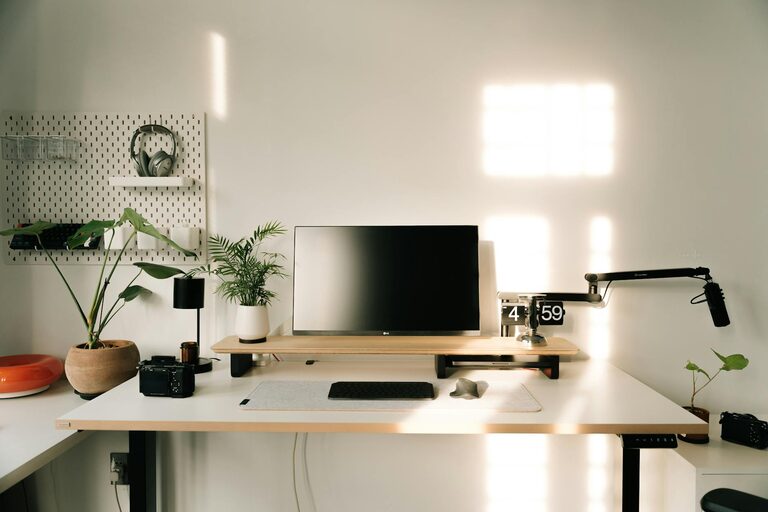
– Wall-mounted shelves that keep surfaces clear
– Mobile filing cabinets for greater flexibility
Optimize Your Desk Layout
Keep Frequently Used Items Within Reach
Arrange your workspace so the things you use most often are easy to grab. This reduces interruptions and helps you maintain your flow.
Manage Cables and Chargers
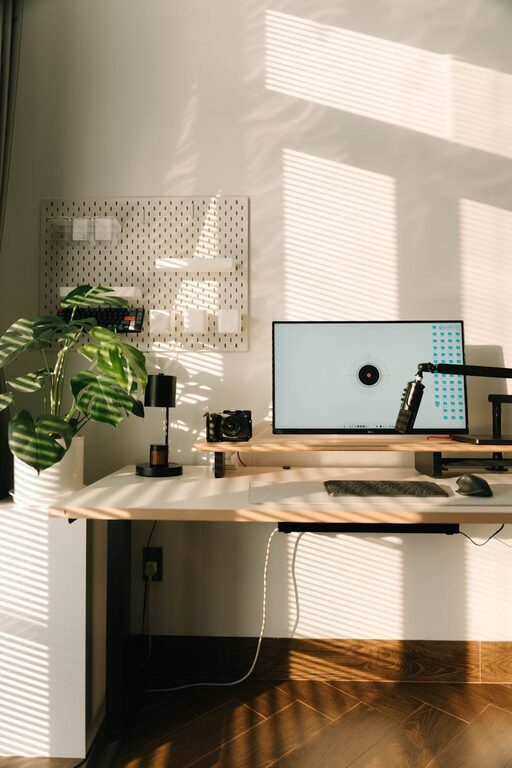
Cable clutter can make your desk look messy and create distractions. Use cable clips, ties, or a cable box to keep cords organized and under control.
Improve Lighting and Comfort
Natural Light and Task Lighting
Good lighting improves mood and reduces eye strain:
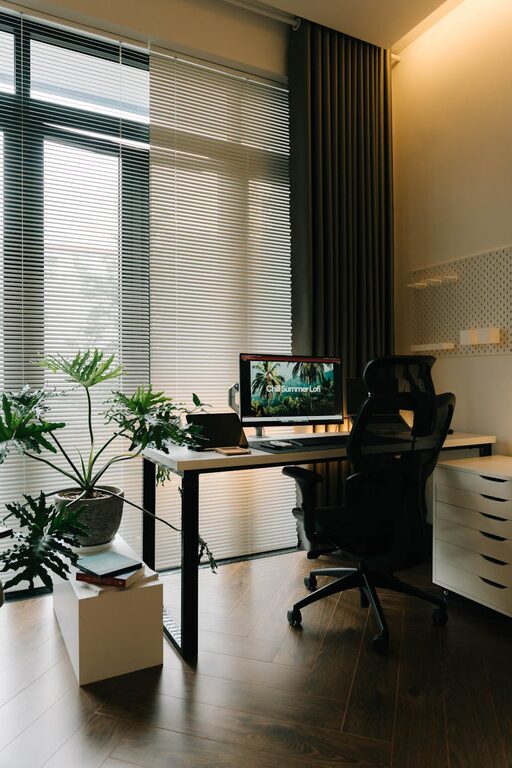
– Position your desk near a window if possible.
– Use a desk lamp with adjustable brightness for focused tasks.
– Avoid harsh overhead lights that cause glare.
Ergonomic Setup
Comfortable seating and proper desk height prevent fatigue:
– Choose an adjustable chair with good back support.
– Keep your screen at eye level.
– Use a keyboard and mouse positioned for neutral wrist placement.
Develop Daily and Weekly Routines
End-of-Day Tidy Up
Spend 5-10 minutes at the end of each day clearing your desk and organizing papers. This allows you to start fresh the next morning.
Weekly Deep Clean
Once a week, take time to:
– Reassess your files and supplies.
– Wipe down surfaces and electronics.
– Reorganize any areas that have become cluttered.
Personalize Without Adding Clutter
Adding a few personal touches can make your office more enjoyable without crowding the space:
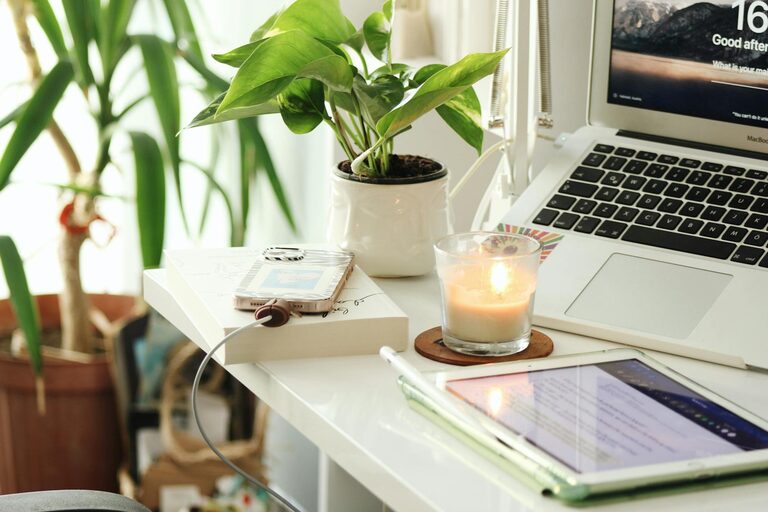
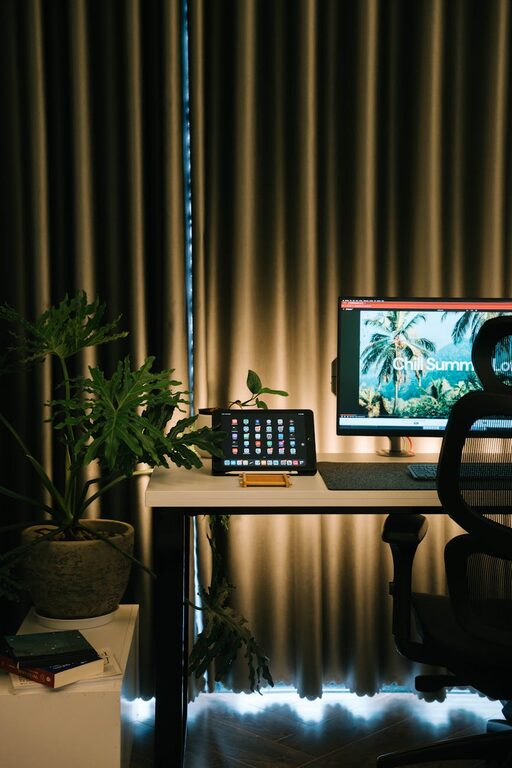
– A small plant for freshness
– Motivational quotes or artwork hung on the wall
– A favorite mug or a scented candle
Keep these items minimal to maintain a clean and professional atmosphere.
Digital Organization Matters Too
Manage Your Digital Files
Organize your computer files into folders with clear names. Regularly back up important documents and delete duplicates or outdated files.
Use Productivity Tools
Consider apps for task management, note-taking, or calendar scheduling to keep your workflow organized and reduce the need for paper.
—
By following these simple tips, you can create a home office that supports your productivity and helps you feel energized throughout your workday. Remember, the key is consistency—small daily habits lead to big improvements over time. Happy organizing!