




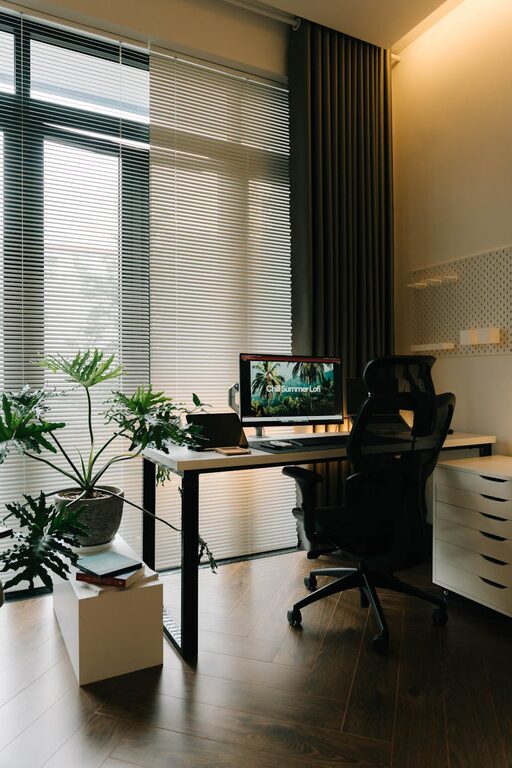
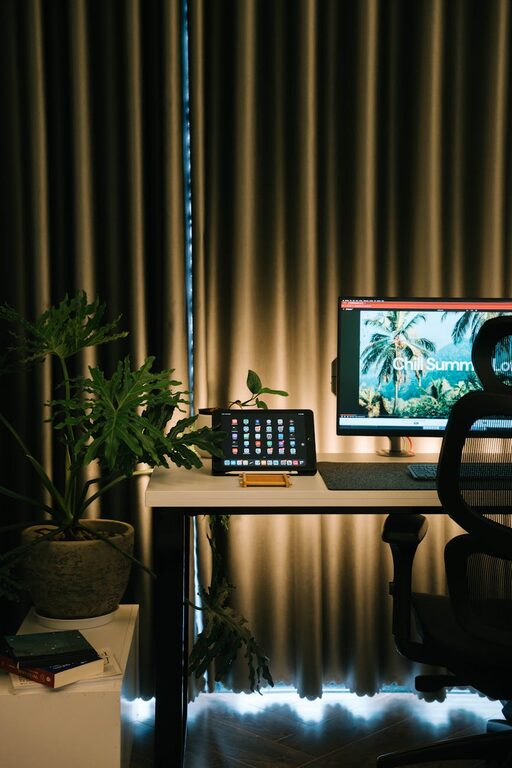
Tips for Organizing a Clutter-Free and Functional Home Workspace
Creating a home workspace that is both clutter-free and functional can significantly improve your productivity and overall work experience. Whether you work remotely full-time, freelance, or just need a dedicated area for occasional tasks, having an organized environment is key. This post will walk you through practical tips to organize your home workspace effectively.
Why Organizing Your Home Workspace Matters
A neat and well-arranged workspace helps reduce distractions, saves time spent searching for items, and promotes focus. Clutter can easily accumulate when working from home, so establishing good organization habits is essential to maintain a pleasant and professional atmosphere.
—
Step 1: Choose the Right Location
Start by selecting a space in your home that suits your work style. Ideally, the spot should have good natural light, minimal foot traffic, and access to necessary power outlets. If possible, dedicate a separate room or corner to work to mentally separate work from leisure.
—
Step 2: Declutter Regularly
Clutter can build up quickly, especially if you don’t have a clear system. Set aside time weekly or monthly to sort through papers, supplies, and gadgets.
Decluttering tips:
– Sort and recycle: Separate items into categories such as keep, recycle, or relocate.
– Limit paper: Digitize documents and receipts when possible to reduce paper piles.
– One in, one out: When getting a new office item, consider removing an old or unused one.
—
Step 3: Invest in Functional Furniture
Having the right furniture can transform your workspace.
Consider:
– Desk: Choose a comfortable desk sized appropriately for your tasks. Adjustable desks are excellent for alternating between sitting and standing.
– Chair: Invest in an ergonomic chair that supports your posture.
– Storage: Use filing cabinets, shelves, or drawers to keep items out of sight but easily accessible.
—
Step 4: Use Smart Storage Solutions
Efficient storage keeps your desk clutter-free and items easy to find.
Storage ideas:
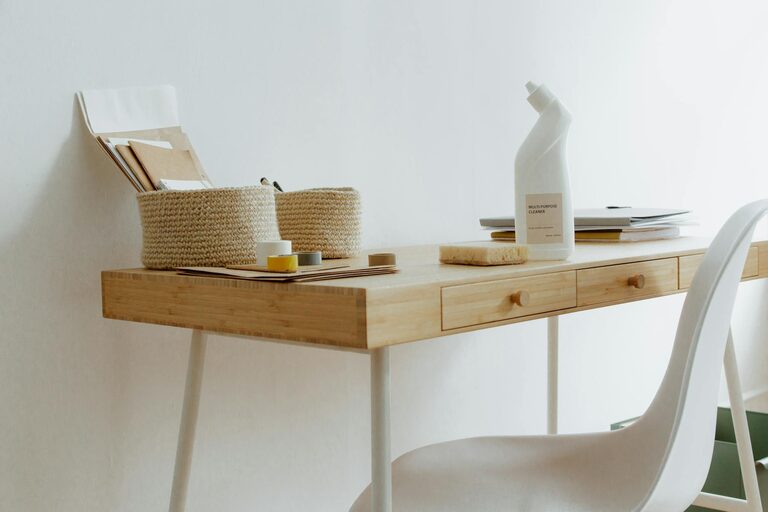
– Desk organizers: Small trays or compartments for pens, paper clips, and sticky notes.
– Cable management: Use clips or sleeves to bundle cords neatly.
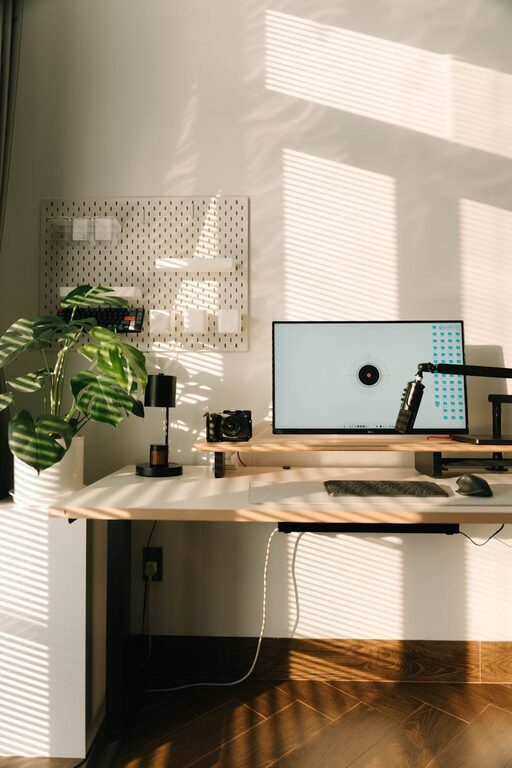
– Wall organizers: Pegboards or wall-mounted shelves free desk space and keep essentials within reach.
– Drawer dividers: Keep small items separated and prevent drawers from becoming messy.
—
Step 5: Optimize Your Technology Setup
A clean technology setup speeds up your work and reduces frustration.
– Minimize devices: Only keep essential gadgets at your workstation.
– Wireless tech: Use wireless keyboards or mice to reduce cables.
– Monitor stands: Elevate screens to eye level to improve posture and free desk space underneath.
– Regular maintenance: Keep software updated and clean your devices to prevent slowdowns.
—
Step 6: Personalize Your Space
Adding personal touches can make working at home more enjoyable and inspiring.
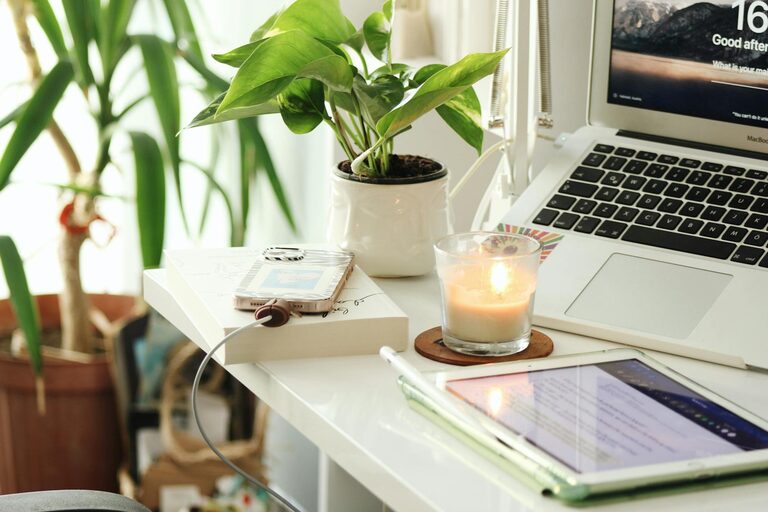
– Plants: Small potted plants improve air quality and add calming greenery.
– Artwork: Hang motivational or calming art that resonates with you.
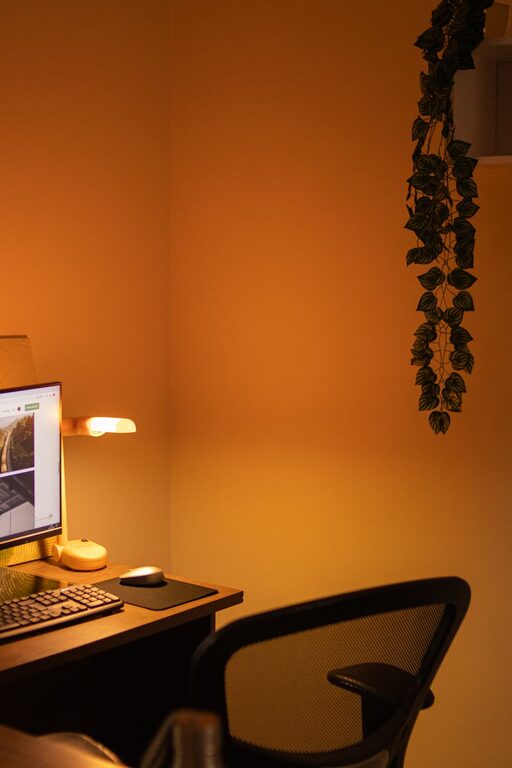
– Lighting: Use task lighting such as adjustable desk lamps to reduce eye strain.
Personal items should feel motivating, but avoid overcrowding your workspace.
—
Step 7: Develop a Routine to Maintain Organization
Keeping your workspace organized is an ongoing effort.
– End-of-day tidy-up: Spend five minutes clearing your desk before finishing work.
– Daily priorities: Keep only materials relevant to your current tasks on the desk.
– Label storage: Clear labels save time finding things later.
—
Conclusion
A clutter-free and functional home workspace is attainable with thoughtful planning and consistent habits. By choosing the right location, staying on top of clutter, investing in suitable furniture, and personalizing your environment, you can create a productive space that supports your work life comfortably.
Remember, the best workspace is one that fits your unique needs and keeps you inspired every day. Start small, stay consistent, and enjoy the benefits of an organized home office!